Black Friday Is Here! Get 40% OFF All TCI Courses | Use Code: BLACK40 | Limited-Time Offer – Enroll Now!
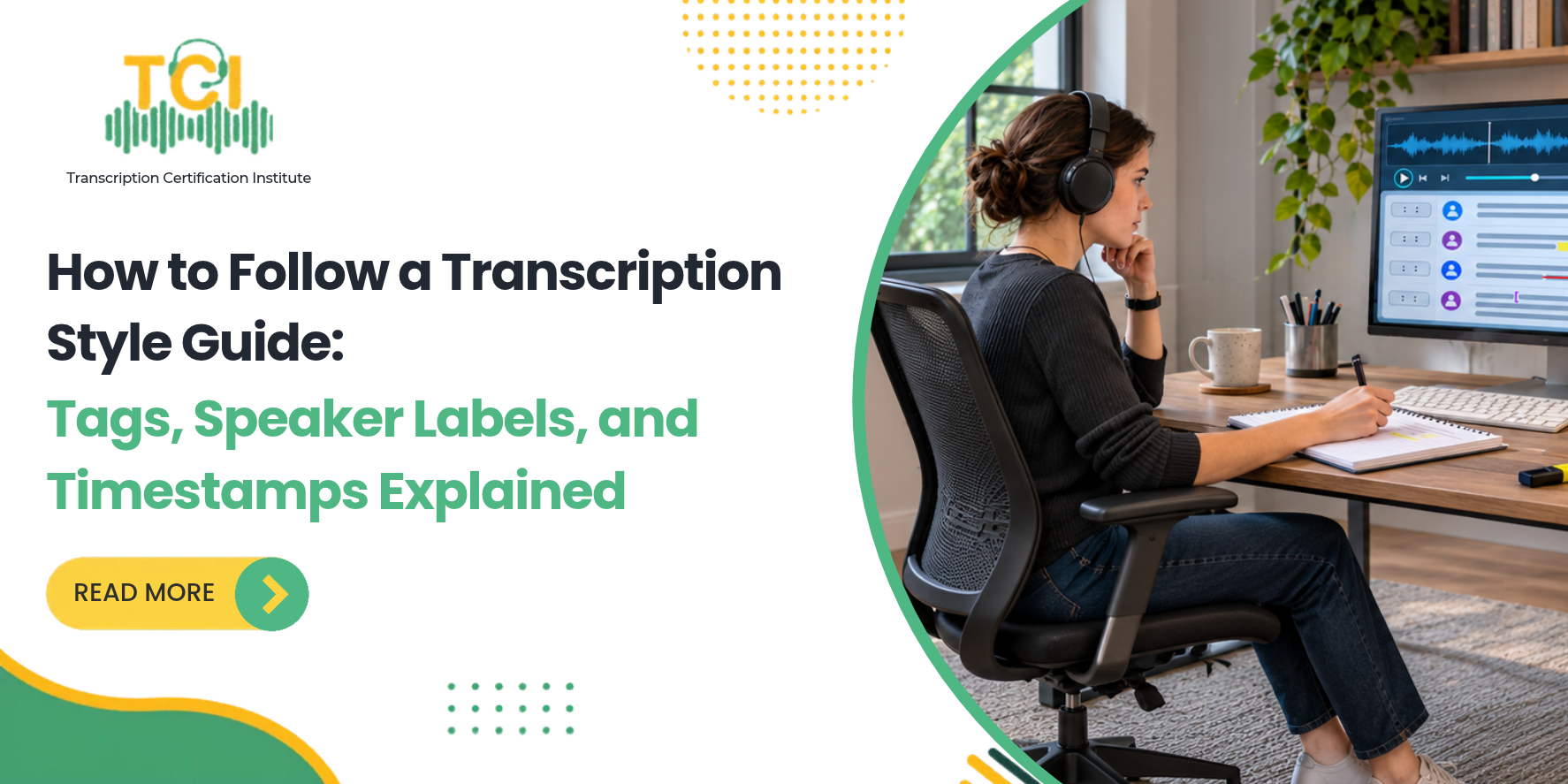



Every transcription client has rules about how a transcript should look. Those rules live in a style guide, and following it is one of the first things companies check when they review your work.
Two transcriptionists can type the same words and still turn in very different transcripts. One marks unclear audio correctly, labels each speaker the same way from start to finish, and adds timestamps where the client asked. The other guesses. The first one gets more work.
This guide explains the parts most style guides cover: verbatim style, tags, speaker labels, and timestamps. You'll see examples of each, plus a simple way to learn any new client's rules quickly.
A transcription style guide is a set of formatting and content rules a client or company wants every transcript to follow. It tells you what to type, what to leave out, and how the finished file should look.
Most style guides cover the same core areas:
The details change from client to client. That's why the most useful skill isn't memorizing one set of rules. It's learning to read any guide carefully and apply it the same way across the whole file.
Before you type a word, check which verbatim style the client wants. This one choice affects almost every line.
| Style | What you keep | Example |
|---|---|---|
| Full (true) verbatim | Every word and sound, including "um," "uh," stutters, and false starts | "I, um, I think we-- we should start, uh, Monday." |
| Clean verbatim | The meaning, with fillers and stutters removed | "I think we should start Monday." |
Clean verbatim is common for business meetings, interviews, and podcasts. Full verbatim is often used for legal work and research, where every pause or repeated word can matter. For a deeper look at the two styles, read our guide to verbatim vs. non-verbatim transcription.
Tags tell the reader something happened in the audio that isn't a clear spoken word. They're usually written in square brackets so they stand out from the speech.
Here are the tags you'll see most often:
| Tag | When to use it | Example |
|---|---|---|
| [inaudible] | A word or phrase can't be heard at all | "The meeting is on [inaudible] at noon." |
| [unintelligible] | You can hear it, but can't make out the words | "He said [unintelligible] about the contract." |
| [crosstalk] | Two or more people talk at once | "We need to-- [crosstalk]" |
| [laughter], [applause] | A sound that adds meaning | "That's the best news all week. [laughter]" |
| [phonetic] | You've typed a name or term the way it sounds but couldn't confirm it | "Dr. Okonjo [phonetic] will join us." |
| [pause] | A long silence the client wants noted | "Well... [pause] I'm not sure." |
A few habits keep your tags clean:
Speaker labels tell the reader who is talking. They seem simple, but they're one of the most common places beginners lose points.
Style guides usually ask for one of these formats:
Here's how a short exchange looks with role labels:
Interviewer: How long have you worked from home?
Respondent: About three years now. I started during a job change and never went back.
Follow these rules to keep labels accurate:
When many people talk, such as in a focus group or a meeting, make a quick list of voices as you go. Note each person's pitch, accent, or way of speaking. It makes matching voices much easier later in the file.
Timestamps link the transcript back to the exact moment in the audio. Clients use them to check unclear spots, pull quotes, or edit video.
The most common format is hours, minutes, and seconds in square brackets: [00:12:45]. Some clients want only minutes and seconds, [12:45], or they want the time in parentheses. Always copy the guide's format exactly.
Style guides usually ask for timestamps in one of these places:
| Timestamp placement | What it looks like | Often used for |
|---|---|---|
| At every speaker change | [00:03:10] Speaker 1: Let's move on to the budget. | Interviews, research, legal work |
| At set intervals | A stamp every 30 seconds, 1 minute, or 2 minutes | Long recordings, lectures, podcasts |
| At tags only | "We ship on [inaudible 00:07:22] next week." | Most general transcription jobs |
| None | No timestamps in the body | Some clean verbatim business work |
Two tips make timestamping faster and more accurate:
If your timestamps are also going into captions, you may need a different file type, such as an SRT file. That's a separate format with its own rules.
You'll meet a new style guide almost every time you start with a new company or client. This routine helps you pick up the rules fast:
Run through this list before you turn in any transcript:
Clean verbatim keeps the speaker's meaning but removes filler words like "um" and "uh," stutters, and false starts. It reads smoothly while staying true to what was said.
Use the tag your client's style guide asks for, usually [inaudible] or [unintelligible], placed where the missing words would be. Many clients also want a timestamp inside the tag, such as [inaudible 00:04:12].
No. Most companies use similar ideas, but the exact tags, label formats, and timestamp rules change from client to client. Always follow the guide you're given, even if it differs from one you've used before.
Choose the option that is clearest for the reader, use it the same way across the file, and leave a short note for the client if they allow comments. When you're unsure and can ask, ask.
Following a style guide gets easier with practice on real audio and honest feedback. TCI's General Transcription Certification course covers verbatim and non-verbatim styles, time stamps, word expanders, and the editing habits that help you work accurately from your very first file.
Related reading:







Your TRANSCRIPTION CAREER CAPSULE to Help You BOOST Your Potential
Latest Industry News, Jobs, Tips and More..







Be the first to post a comment